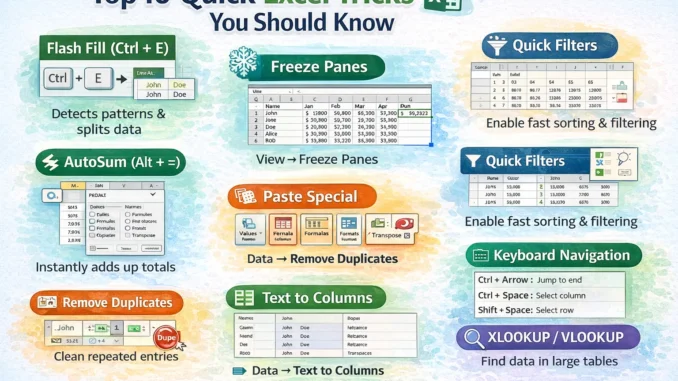
Microsoft Excel is one of the most powerful tools for data management, analysis, and reporting, yet many users only utilize a small fraction of its features. Knowing a few smart Excel tricks can save time, reduce errors, and significantly boost productivity—especially for professionals working with accounts, taxation, business data, or reports. Whether you are a beginner or a regular Excel user, these quick tips will help you work faster, cleaner, and more efficiently in your day-to-day tasks.
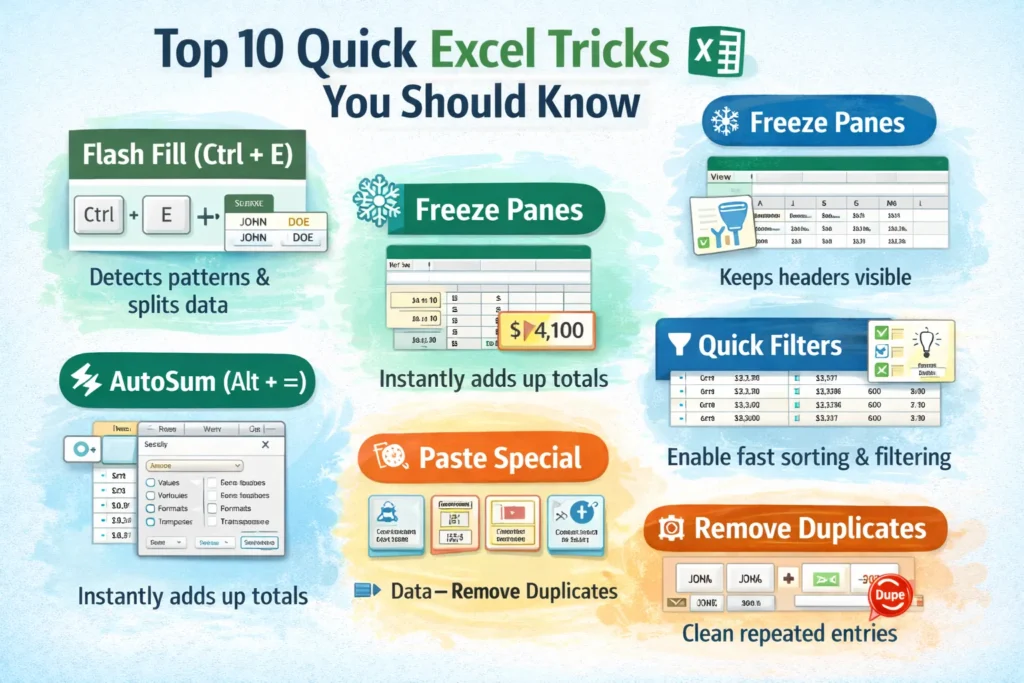
1. Flash Fill (Ctrl + E)
Automatically fills data by detecting patterns, perfect for splitting or combining text.
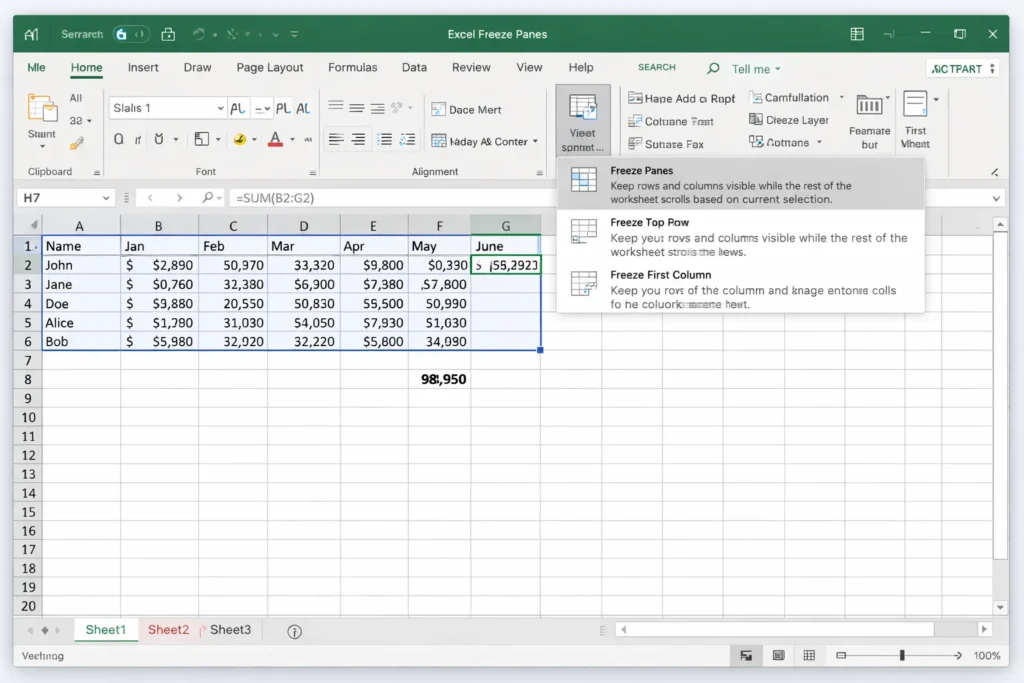
2. Freeze Panes
Keeps headers visible while scrolling through large datasets.
# View → Freeze Panes → Freeze Top Row
3. Quick AutoSum (Alt + =)
Instantly calculates totals without typing formulas manually.
4. Filter Data Fast (Ctrl + Shift + L)
Apply or remove filters instantly for quick data analysis.
5. Paste Special (Ctrl + Alt + V)
Paste values, formulas, formats, or transposed data in seconds.
6. Remove Duplicates
Cleans repeated entries with a single click under the Data tab.
# Clean your data in one click.
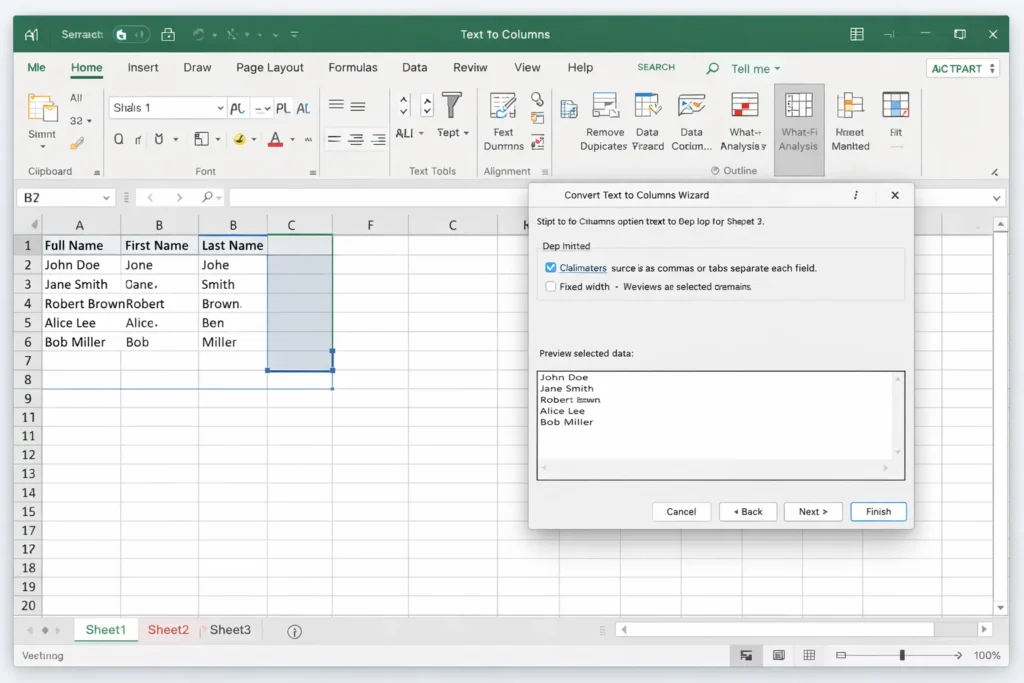
7. Text to Columns
Splits text like names, dates, or numbers into separate columns.
# Data → Text to Columns
8. Conditional Formatting
Highlights important data using colors, icons, or rules.
# Use color scales, icons, or rules to spot trends.
9. Keyboard Navigation
- Ctrl + Arrow → Jump to last data cell
- Ctrl + Space → Select entire column
- Shift + Space → Select entire row
10. VLOOKUP / XLOOKUP (Smart Search)
Helps find and match data from large tables efficiently.
# XLOOKUP is faster and more flexible (recommended).
Bonus Pro Tips
- Ctrl + T → Convert data into a smart table
- F4 → Repeat last action
- Alt + Enter → New line in the same cell
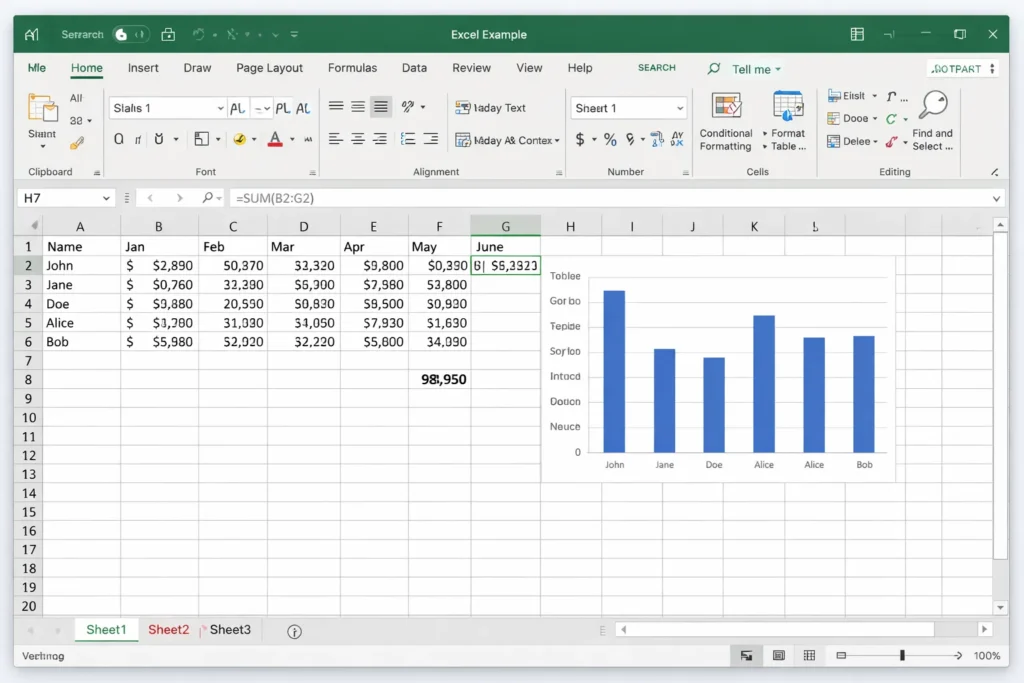
Complete Steps to download the file.
1) Go to the Image you see and a random Website will open.
2) Copy the URL and paste it below.
3) Click "Send" to receive the Download Link.

Leave a Reply