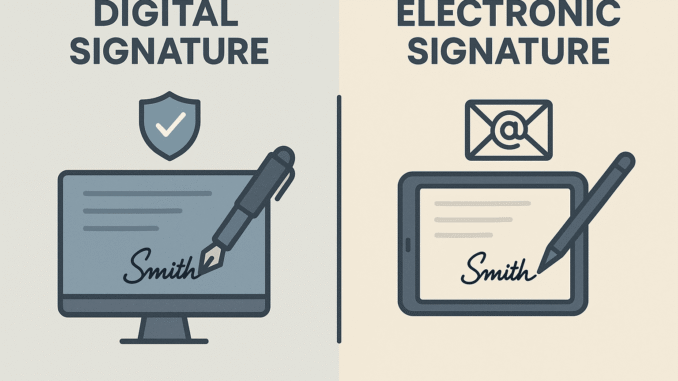
A Digital Signature Certificate (DSC) is used to electronically sign documents submitted online by an authorized person. It ensures the security and authenticity of electronic documents. A DSC is mandatory for filing documents on the Ministry of Corporate Affairs (MCA) portal.
Online processes such as company or LLP incorporation, statutory filings, and income tax e-filing are validated using a DSC.
The Controller of Certifying Authorities (CCA) authorizes Certifying Authorities (CAs) to issue Digital Signature Certificates. These authorities are licensed to issue Class 3 DSCs, which offer a high level of security.
Documents Required for Applying for a Digital Signature Certificate (DSC)
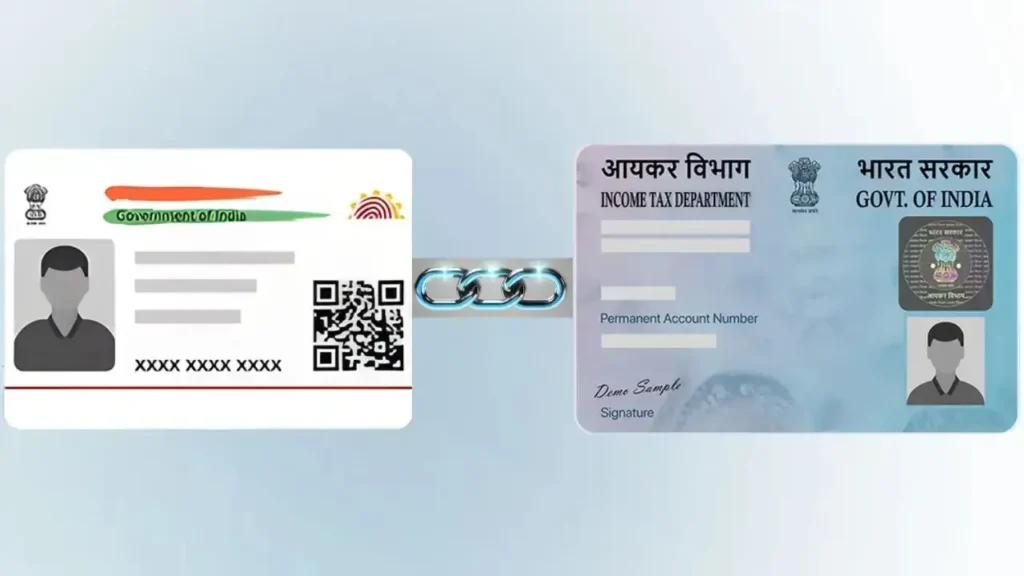
✔ PAN Card (Mandatory)
✔ Address Proof (Aadhaar / Passport / Voter ID / Driving License)
✔ Passport-size Photograph
✔ Mobile Number & Email ID (for OTP)
✔ Applicant Details (as per PAN)

Digital Signature Certificate (DSC): Application Procedure
Step 1: Visit the Certifying Authority’s Website
There are approximately 15 Certifying Authorities (CAs) in India licensed by the Controller of Certifying Authorities (CCA) to issue Digital Signature Certificates.
You may visit the website of any authorized CA, select the Class 3 DSC application/registration option available on the homepage, and proceed with the online application.
Step 2: Fill in the Application Details
Complete the DSC application form by providing the following information:
- Class of DSC
- Validity period
- Type of DSC (Sign only / Sign & Encrypt)
- Applicant’s name and contact details
- Residential address
- GST number (if applicable)
- Identity and address proof details
- Declaration
- Details of attesting officer (if applicable)
- Payment details
After entering all required details, upload a recent photograph and e-sign the declaration. Carefully review the form for accuracy and completeness.
Step 3: Verification of Identity and Address
The supporting documents uploaded for proof of identity and address must be attested by an authorized attesting officer, with a clear signature and seal.
Alternatively, applicants may choose any of the following verification methods, as permitted by the Certifying Authority:
- Aadhaar-based eKYC authentication, where no physical documents are required
- In-person verification by visiting the Certifying Authority with original documents and self-attested copies
- Uploading a bank-issued certificate or letter (certified by the bank manager) containing name, PAN, and address
- Uploading a recorded e-verification video, if required by the certifying authority.
Step 4: Payment of DSC Fees
After completing the application and uploading documents, make the payment for DSC issuance. Payment can be made through net banking, credit card, debit card, or UPI, as available on the CA’s website.
Step 5: Issuance of DSC
Once the application, documents, and payment are successfully verified, the Certifying Authority will issue the DSC electronically. The DSC is generally provided through an encrypted USB token, which is sent to the applicant by post.
Rectification or Change in Digital Signature Certificate
If there is any error or change required in the DSC details, the applicant should follow the below process:
- Visit the respective Certifying Authority’s website.
- Select the “Change DSC Details” or similar option.
- Enter the required DSC details.
- Select and submit the renewed or modified DSC request.
Frequently Asked Questions (FAQs) on Digital Signature Certificate (DSC)
1. What is a Digital Signature Certificate (DSC)?
A DSC is an electronic form of signature used to authenticate and secure documents submitted online. It confirms the identity of the signer and ensures that the document has not been altered.
2. Who is required to obtain a DSC?
Directors, designated partners, authorized signatories, professionals, and individuals who file documents on MCA, Income Tax, GST, or other government portals are required to obtain a DSC.
3. Which class of DSC is commonly used?
Class 3 DSC is commonly used for MCA filings, Income Tax e-filing, GST, and other statutory and regulatory compliances.
4. What documents are required to apply for a DSC?
A PAN card, address proof (such as Aadhaar or passport), a recent photograph, and a valid mobile number and email ID are required.
5. What is the validity period of a DSC?
A DSC is generally issued for 1 year or 2 years, depending on the option selected at the time of application.
6. How long does it take to get a DSC?
If all documents and verification are completed correctly, a DSC is usually issued within 1–3 working days.
7. Is Aadhaar-based eKYC mandatory?
No. Aadhaar-based eKYC is optional. Applicants may also complete verification through in-person verification or document attestation, as allowed by the Certifying Authority.
8. Can DSC details be changed after issuance?
Yes. Any error or change in details can be corrected by applying for modification or renewal through the Certifying Authority’s website.
9. Is DSC required for both individuals and companies?
Yes. DSC is issued in the name of an individual but is used on behalf of companies, LLPs, or other entities for filing and compliance purposes.
10. Is a DSC safe to use?
Yes. A DSC is highly secure and is issued in encrypted form. It ensures authenticity, data integrity, and non-repudiation of electronic documents.

Leave a Reply